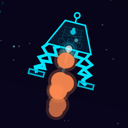
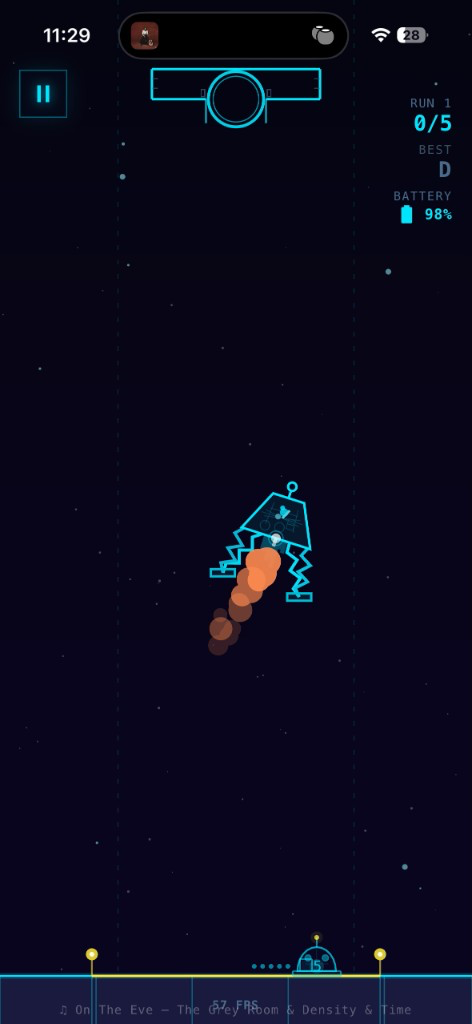
Lunar Rescue looks like a neon hologram HUD — cyan vectors, exhaust orange, corner brackets. That wants paths, not bitmaps. So the game draws with @shopify/react-native-skia and simulates with Matter.js.
Skia gave us the same canvas API on iOS, with a path toward web CanvasKit later. The lander, springs, thruster plumes, hazard rings: all paths, every frame. Same blueprint style as the hangar. No sprite atlas. No waiting on art exports when a strut length changed.
Dev mode lied to me
In development the JS thread is busy and Skia work stacks up. A build that felt fine in a loose debug client still missed 60fps on a real phone once meteors and wind showed up. I stopped trusting the laptop for performance and started reading the in-game FPS counter on hardware.
What we cut to ship
Adaptive quality tiers (high / medium / low) drop star counts, particle pools, glow, nebula blobs, and enemy detail when the watchdog sees sustained frame drops. Physics still steps at a fixed 60 Hz. On the lowest tier the canvas can throttle toward ~30fps while the simulation stays honest.
Particle pools are pre-allocated. Crash bursts and hazard sparks have minimum floors so a quality downgrade never makes an explosion disappear. Paths get built once and reused — never Skia.Path.Make() inside a render map. I learned that one the hard way.
Glow is optional. Soft landings aren’t.